|
Music + Video + Game + Book Organizer + More
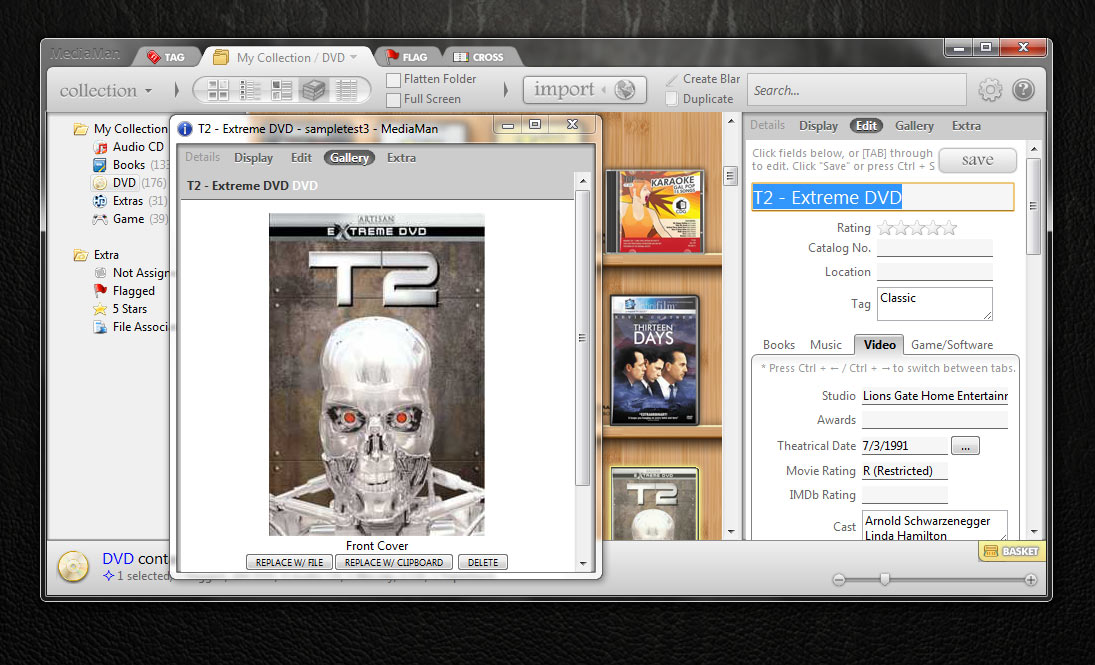
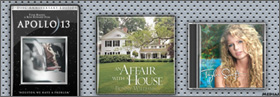 MediaMan is a general purpose collection organizer. It helps you quickly establish a digital database of your collection, and makes it easy to keep item tracked. It automatically retrieves item information from the web, and provides tags, folders, and editing capability so that you can further manipulate them and keep them organized. MediaMan can also associates files on your hard drive, plays music in background while organizing your collection, and creates beautiful exports or print-outs so that you can share with your friends.
Establish Collection Quickly and Easily

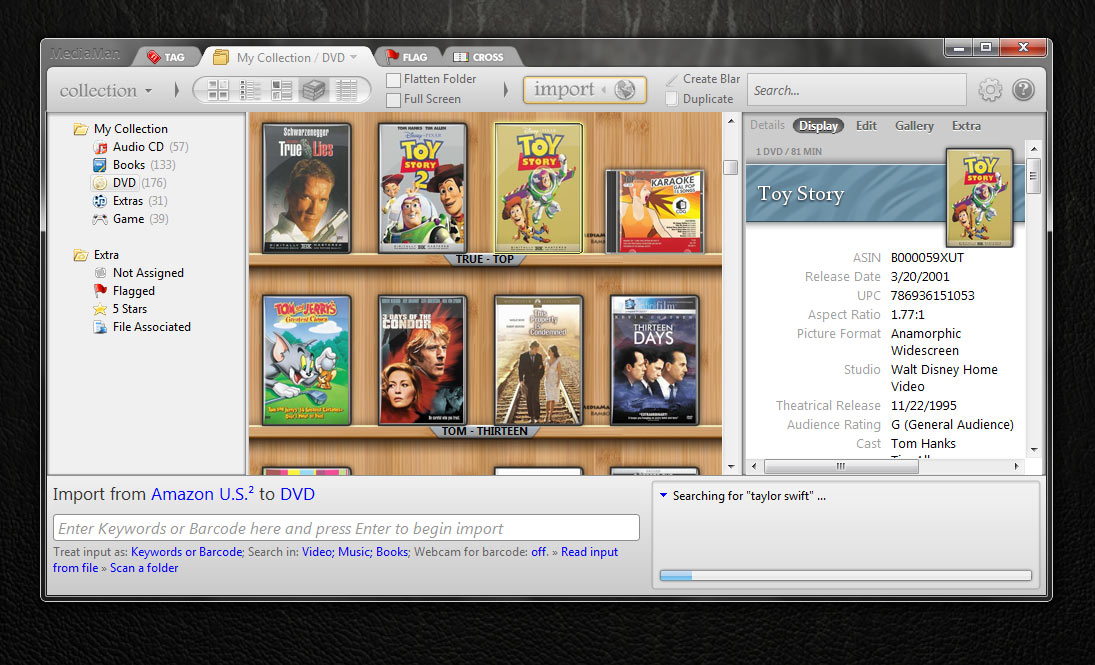
MediaMan's revolutionary design of import procedure will greatly save you time when establishing the collection. You can choose to type-in keywords, or scan barcodes using your webcam to search for item information. Pictures and details are automatically retrieved and saved.
You can also drag and drop a folder into import panel, or click "Scan a folder" to let MediaMan search for information according to files on your hard drive. It'll even scan barcodes from picture files.
Take Pain Out of Organizing
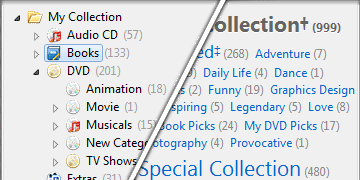 Right click on any folders to create additional ones to organize items by nature. Drag and drop items to put them in separate folders. This could be the easiest way to get started, and keep your collection clean.
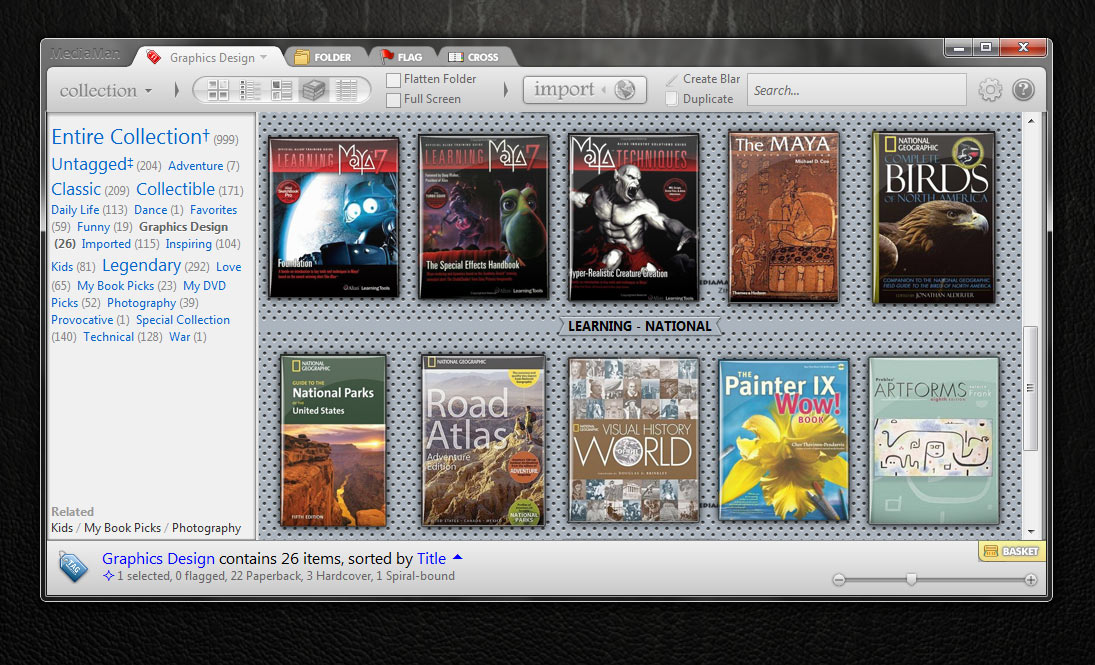
When you are ready to classify items in detail, press Ctrl+3 to switch to tag mode. By editing items and assign tags to them, you can use natural words to describe a group of items by genre, subjects, keywords, or how much you liked them.
You can also try right clicking on items and use "Quick Tag" to assign tags, or drag items to tags to re-organize your collection in a snap.
Keep Tracking of Rentals
Rented titles and lent ones can be marked by right clicking an item and assign a flag. A special tip will be rendered onto the item so that you can easily see them. If you enter a few details in flag dialog, you can further track these special items in flag mode (Ctrl+2) by contacts and dates.
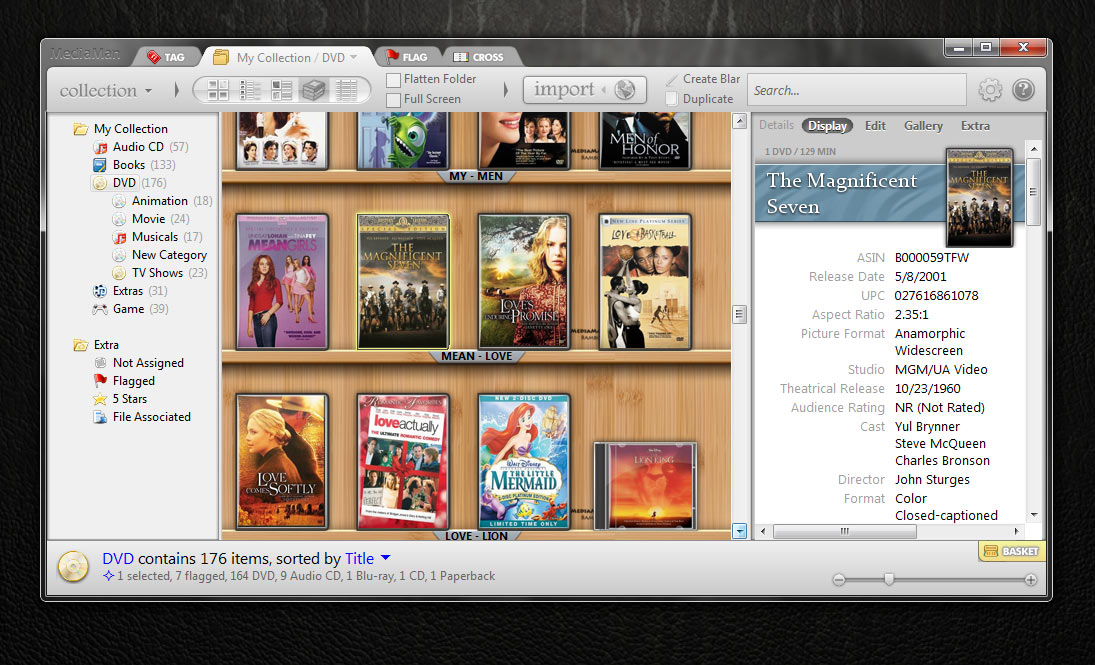
Screenshot Gallery
 |  |  |
 |  |
And More ...
- Elastic user interface suitable for both high resolution TV and low resolution Netbooks
- Outstanding program performance and stability
- Unicode design to work with any language in your collection
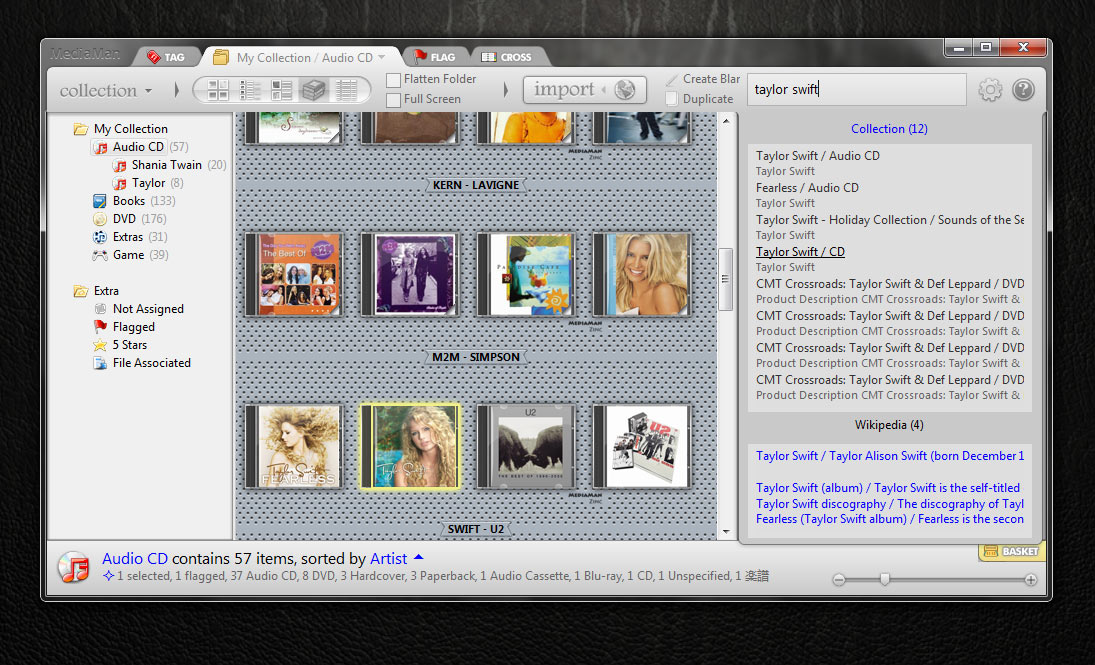
- Powerful collection search tool
- Exporting to navigable website
- Single collection file design for easy transferring and backup
- Automatic self-update
Download the 30-day fully-functional trial to get started; read how-tos and feature details in the help section.